
Use Galaxy window manager!
See many things at once with Galaxy window manager

There is an icon on the Galaxy toolbar:
Click on it, and it turns yellow …

… but that’s just the beginning! Once activated, you can open and view multiple datasets and visualizations as individual windows right inside Galaxy’s interface:
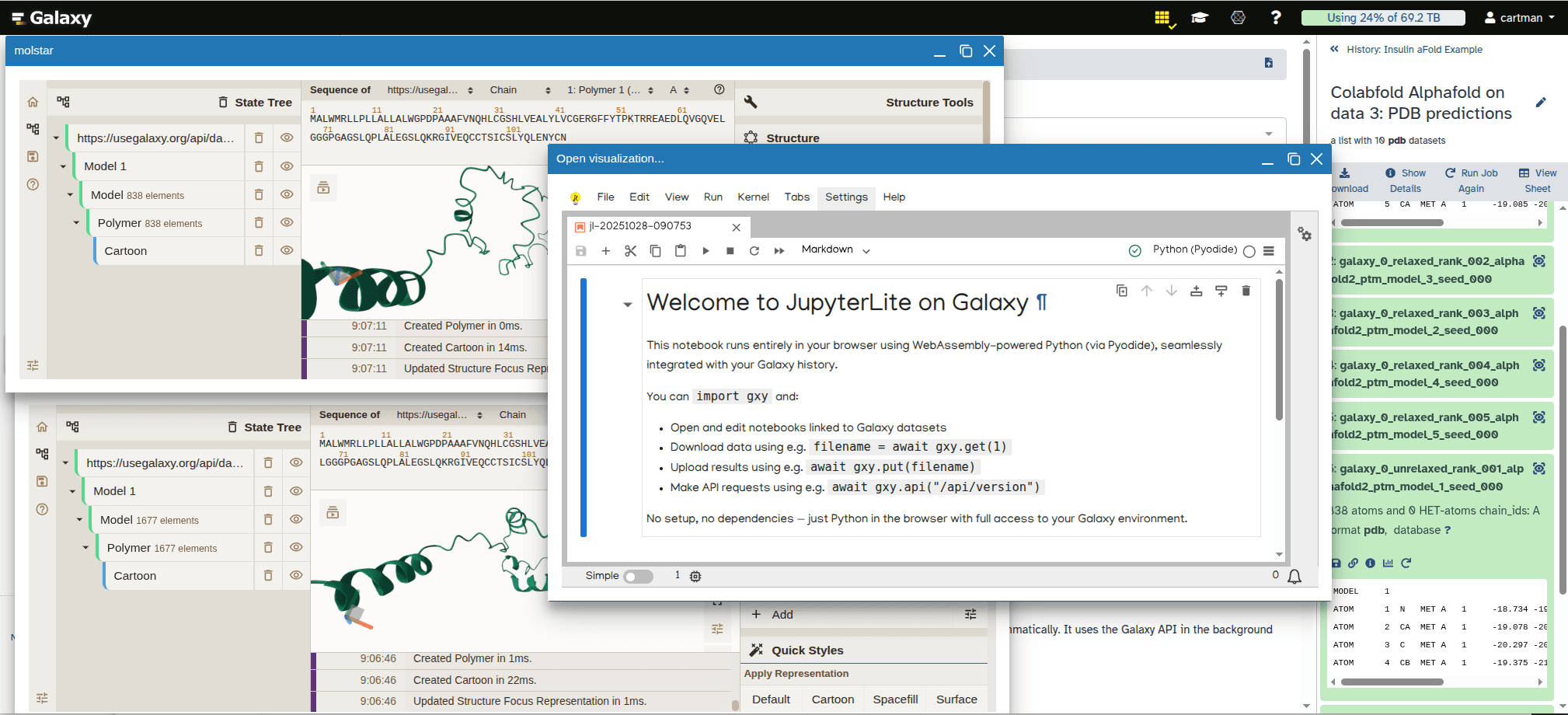
Intrigued?
Watch this video to see it in action:
The bottom line
Use Galaxy’s window manager to organize, visualize, and compare your data.